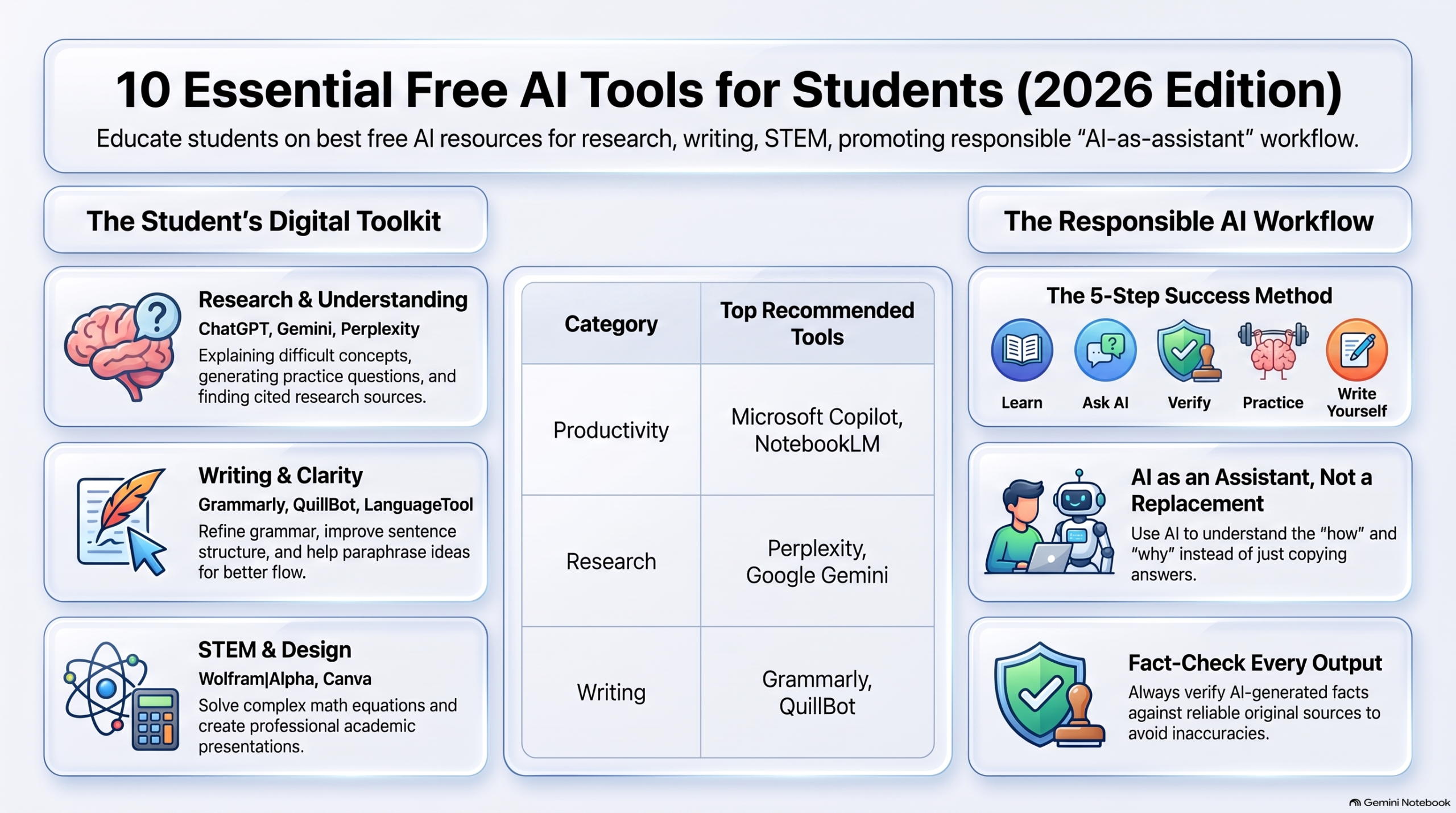
Artificial Intelligence is becoming a vital part of student life. It helps with tough topics, study notes, writing, and exam prep. AI tools save time and enhance learning.
The good news? Many effective tools are free. They can assist with studying, research, writing, presentations, and daily academic tasks.
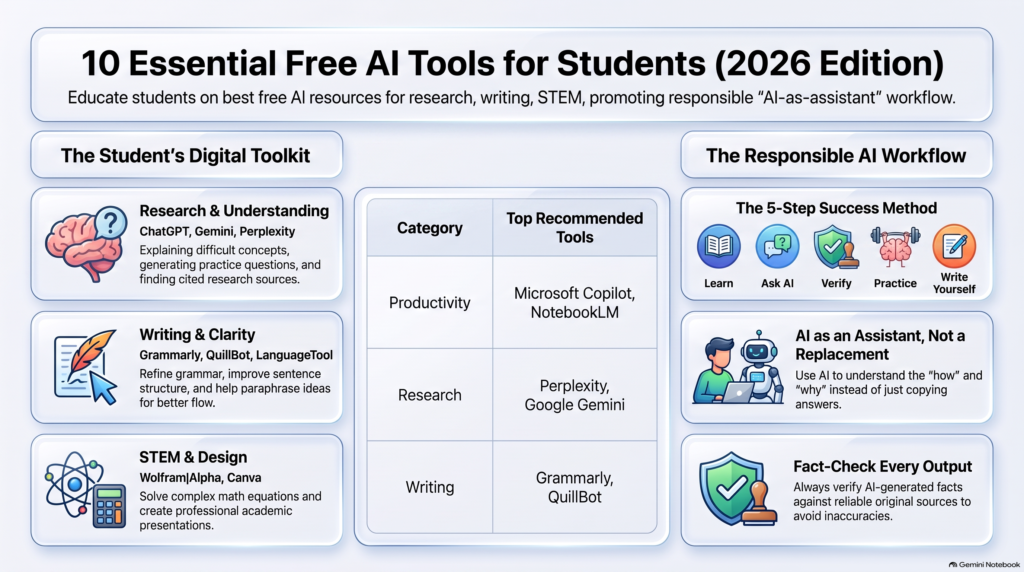
Here are 10 free AI tools every student should know in 2026.
1. ChatGPT – AI Study Assistant
ChatGPT helps students grasp tough subjects, practice questions, and improve writing.
You can ask it to explain topics in simple terms, give examples, or create practice questions.
Useful for:
- Explaining concepts
- Creating study plans
- Generating practice questions
- Summarizing notes
- Practicing English
- Brainstorming ideas
Tip: Don’t just copy AI answers. Use them to understand, then write in your own words.
2. Google Gemini – Research and Learning
Google Gemini aids students in brainstorming ideas, understanding concepts, and summarizing info.
It’s especially helpful for those already using Google’s tools for their studies.
Useful for:
- Research support
- Brainstorming
- Summaries
- Study questions
- Concept understanding
3. Perplexity – AI-Powered Research
Perplexity is great for researching topics and seeing sources with answers.
Instead of opening many websites, get an overview and check cited sources for detailed info.
Useful for:
- Research
- Current info
- Source finding
- Project prep
- Topic exploration
Always verify important info using the original source.
4. Grammarly – Improve Your English
Grammarly helps students spot grammar, spelling, punctuation, and style issues.
It’s useful for assignments, emails, applications, and other writing.
Useful for:
- Grammar checking
- Spelling
- Sentence improvement
- Writing clarity
- Professional communication
5. QuillBot – Paraphrasing and Writing
QuillBot helps with writing and paraphrasing to clarify sentences.
It’s handy when you grasp an idea but want to express it differently.
Useful for:
- Paraphrasing
- Grammar checks
- Summarizing
- Improving sentence structure
Use paraphrasing tools wisely, avoiding any intent to disguise copied work.
6. NotebookLM – Learn From Your Own Sources
NotebookLM works with the information you provide, like documents and notes.
This is great for students with lots of study material needing help understanding or reviewing.
Useful for:
- Study notes
- Document-based questions
- Summarizing
- Revision
- Understanding uploaded material
7. Canva – AI-Powered Design
Canva is more than a design tool. Its AI features help create presentations, posters, diagrams, and visuals.
Useful for:
- Presentations
- Project covers
- Infographics
- Posters
- Educational graphics
A good presentation should have accurate information and original ideas.
8. Microsoft Copilot – Everyday Productivity
Microsoft Copilot assists with writing, brainstorming, summarizing, and productivity tasks.
It’s especially helpful for students using Microsoft products in their studies.
Useful for:
- Writing help
- Brainstorming
- Summaries
- Productivity
- Research support
9. Wolfram|Alpha – Mathematics and Science
Wolfram|Alpha is ideal for math and science questions.
It helps students with calculations, equations, graphs, and other quantitative issues.
Useful for:
- Mathematics
- Equations
- Calculations
- Graphs
- Science problems
Don’t just look at the final answer. Understand the method used to get there.
10. LanguageTool – Free Writing Assistant
LanguageTool checks grammar, spelling, and style.
It’s useful for students writing assignments, applications, emails, or blog posts.
Useful for:
- Grammar
- Spelling
- Writing style
- Proofreading
- Academic writing
How Students Should Use AI
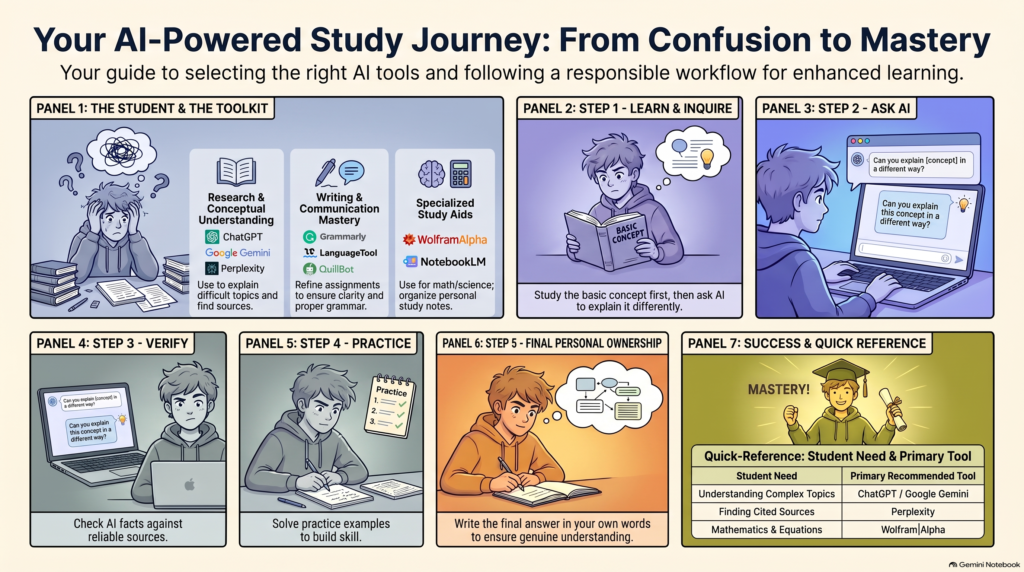
AI can be a powerful learning assistant, but it shouldn’t replace actual studying.
A simple approach is:
Learn → Ask AI → Verify → Practice → Write Yourself
For instance, if you struggle with a math topic, first study the basics. Then ask AI to explain it differently, solve some examples, and practice similar questions yourself.
This method helps you use AI as a tool, not as a crutch.
Benefits of AI Tools for Students
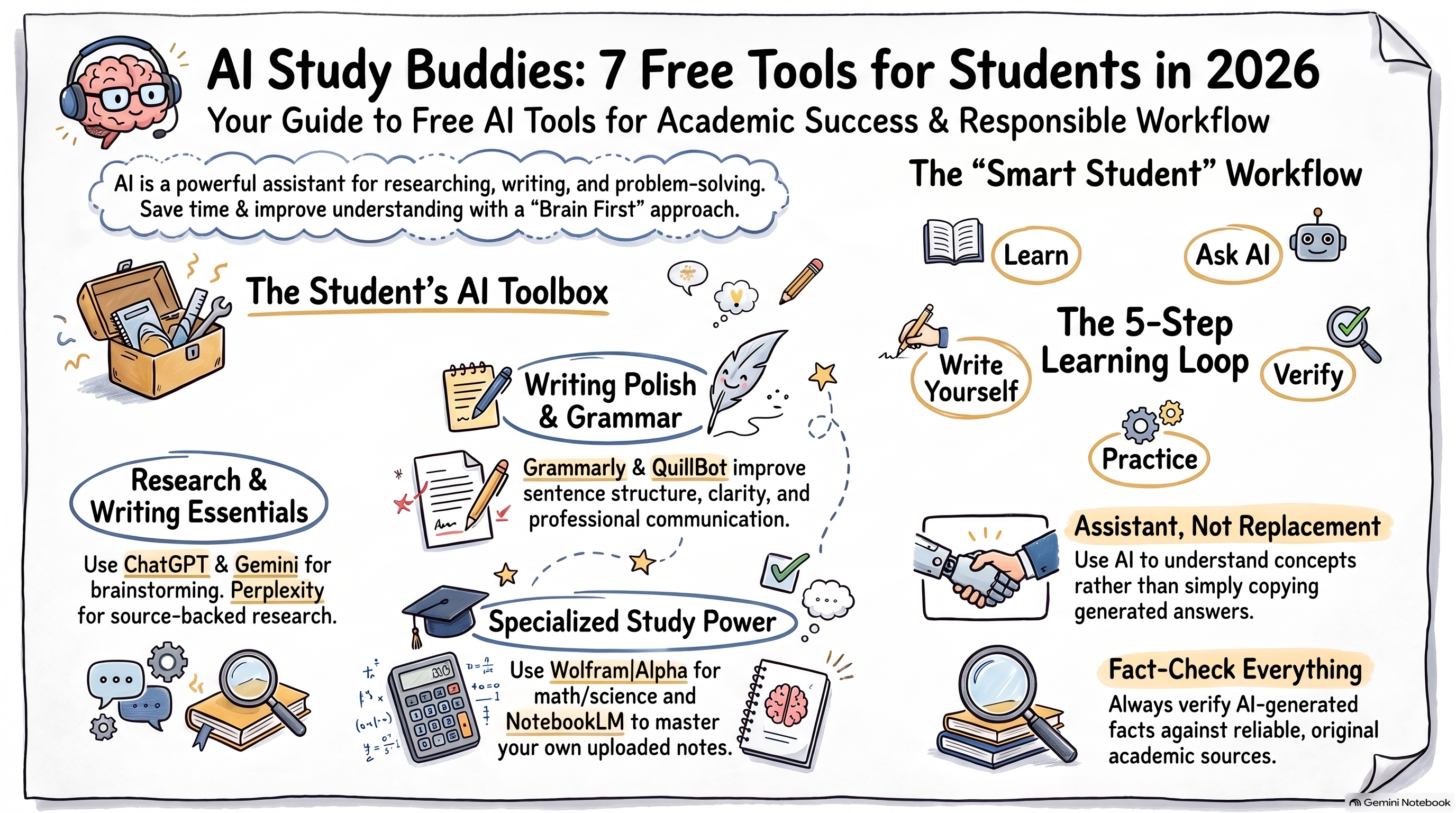
AI tools help students:
- Save time
- Understand tough topics
- Practice more questions
- Improve writing and English
- Organize study material
- Prepare presentations
- Research new topics
- Create personalized study plans
However, AI-generated info can sometimes be wrong or outdated. Always check facts against reliable sources.
Final Thoughts
Free AI tools can make studying easier in 2026. Tools like ChatGPT, Gemini, Perplexity, Grammarly, and NotebookLM support students in many learning areas.
The key is how you use AI. Instead of relying on it for assignments, use it to grasp concepts, practice skills, and enhance your work.
AI should be your study assistant—not your replacement.
No responses yet