Introduction
AI is making video creation easier than ever. You can now create videos, edit clips, generate captions, add voiceovers, and even turn text into videos with the help of AI.
The good news is that several AI video tools offer free plans or free features that are useful for students, creators, bloggers, teachers, and beginners.
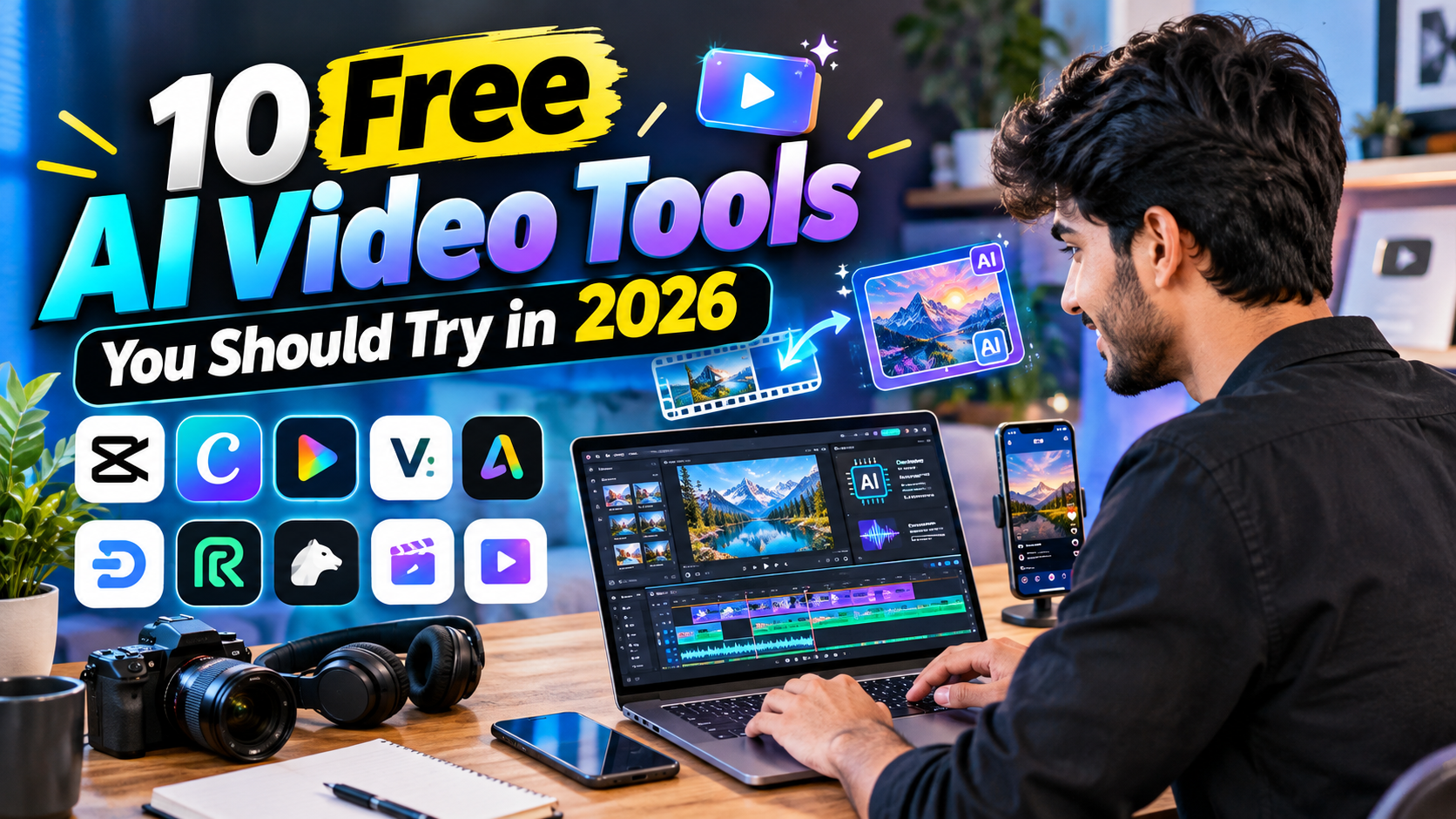
1. CapCut
CapCut is a popular video editor with many AI-powered features.
Useful for:
- Automatic captions
- Background removal
- AI effects
- Short videos and Reels
- Quick editing
2. Canva
Canva provides simple AI tools for creating videos and social-media content.
Useful for:
- YouTube videos
- Presentations
- Social-media videos
- AI-assisted designs
- Templates
3. InVideo AI
InVideo AI can help turn a written idea or prompt into a video.
Useful for:
- Explainer videos
- YouTube content
- Educational videos
- Marketing videos
4. VEED
VEED is an online video editor with AI features.
Useful for:
- Subtitles
- Video editing
- Text-to-speech
- Social-media content
5. Adobe Express
Adobe Express offers easy video creation and editing features for beginners.
Useful for:
- Social posts
- Short videos
- Simple animations
- Video templates
6. Descript
Descript uses AI to make video and audio editing easier.
Useful for:
- Podcasts
- Tutorials
- Talking-head videos
- Transcription
- Removing unwanted words
7. Runway
Runway provides AI-powered creative video tools.
Useful for:
- AI-generated video
- Creative effects
- Image-to-video experiments
- Visual storytelling
8. Pika
Pika focuses on AI-generated and AI-edited video.
Useful for:
- Creative clips
- Image-to-video
- AI effects
- Short visual content
9. Clipchamp
Clipchamp is a beginner-friendly video editor with AI-assisted features.
Useful for:
- Screen recording
- YouTube videos
- Simple editing
- Captions
- Voiceovers
10. Google Vids
Google Vids helps users create work and presentation-style videos with AI assistance.
Useful for:
- Educational content
- Business videos
- Presentations
- Team projects
AI Video Creation Roadmap
You don't need to use every tool. Follow this simple workflow:
Idea → Script → AI Voice → Video → Editing → Captions → Thumbnail → Publish
Simple Roadmap Chart
| Step | What to Do | Example Tools |
|---|---|---|
| 1. Idea | Choose your topic | ChatGPT |
| 2. Script | Write the video script | ChatGPT |
| 3. Visuals | Create or collect visuals | Canva, Pika, Runway |
| 4. Voice | Add AI voiceover | CapCut, VEED |
| 5. Edit | Combine clips and audio | CapCut, Clipchamp |
| 6. Captions | Add subtitles | CapCut, VEED |
| 7. Thumbnail | Create a thumbnail | Canva |
| 8. Publish | Upload your video | YouTube, Instagram |
Which Tool Should Beginners Start With?
If you are completely new to AI video creation, start with CapCut or Canva because their interfaces are relatively easy to understand.
For AI-generated visuals, you can explore Runway or Pika. For script-based video creation, tools such as InVideo AI can be useful.
Important: Free plans and AI credits can change over time. Always check the current limits, watermark rules, and commercial-use terms before using a tool for professional work.
Conclusion
AI video tools can save time and make video creation easier for beginners. You don't need expensive software to start.
Start with one simple tool, learn the basic workflow, and gradually add more AI tools as your skills improve.
No responses yet